

Sign Up & Sign In
CoreFix is available at:
- Sign In: app.corefix.dev/login
- Sign Up: app.corefix.dev/signup
Authentication Options
CoreFix supports three ways to authenticate:
| Method | Sign Up Required | Password | Notes |
|---|---|---|---|
| GitHub OAuth | No | No | One-click, account auto-created on first login |
| Google OAuth | No | No | One-click, account auto-created on first login |
| Custom Email | Yes | No | OTP-based login after signup |
Signing In with GitHub or Google
Click Continue with GitHub or Continue with Google on the login page.
If no account exists yet, one is automatically created for you — no separate sign-up step needed. You will land directly into the CoreFix dashboard.
Signing Up with a Custom Email
- Go to app.corefix.dev/signup.
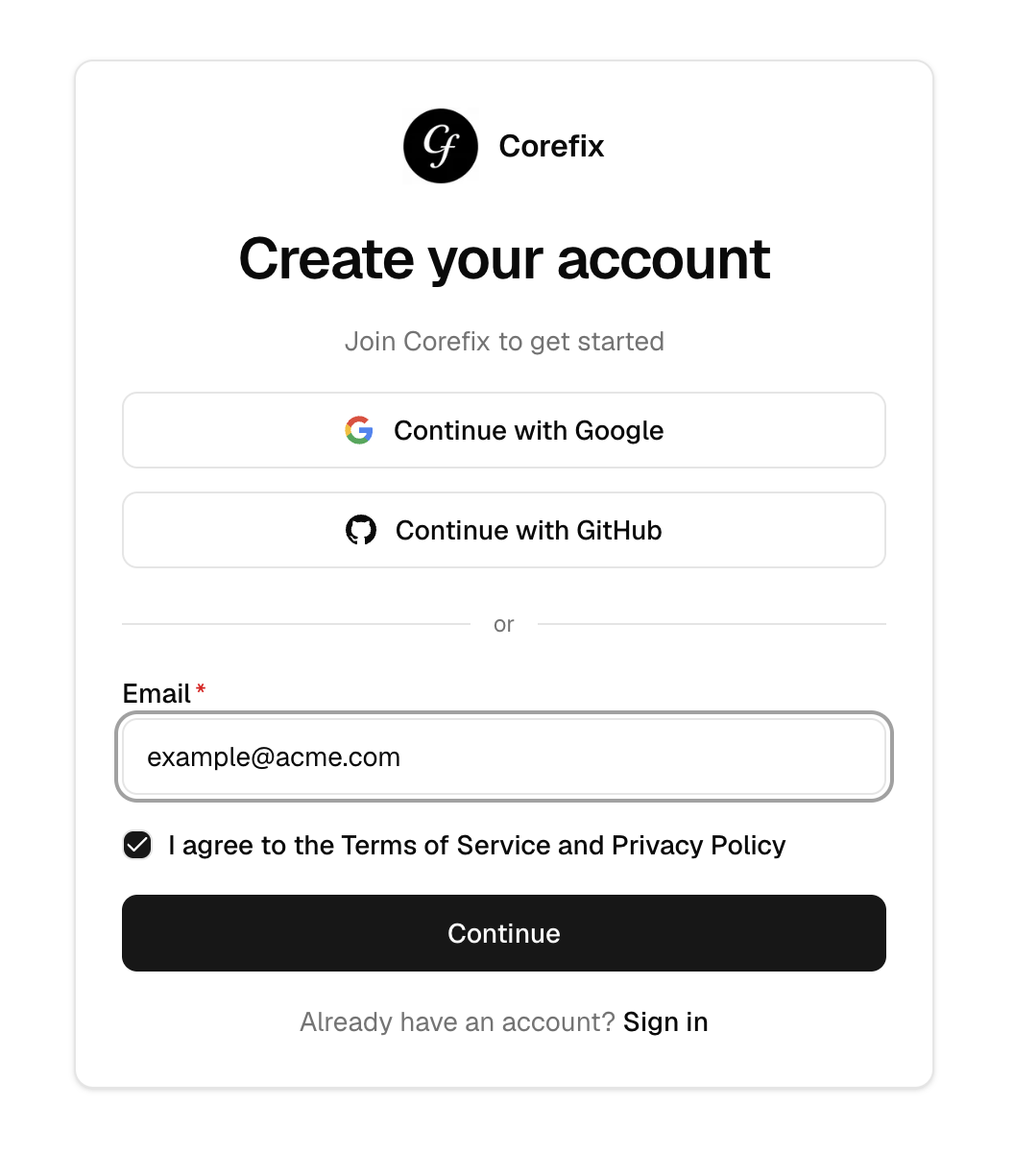
- Enter your email address and accept the Terms of Service.
- An activation link will be sent to your email.
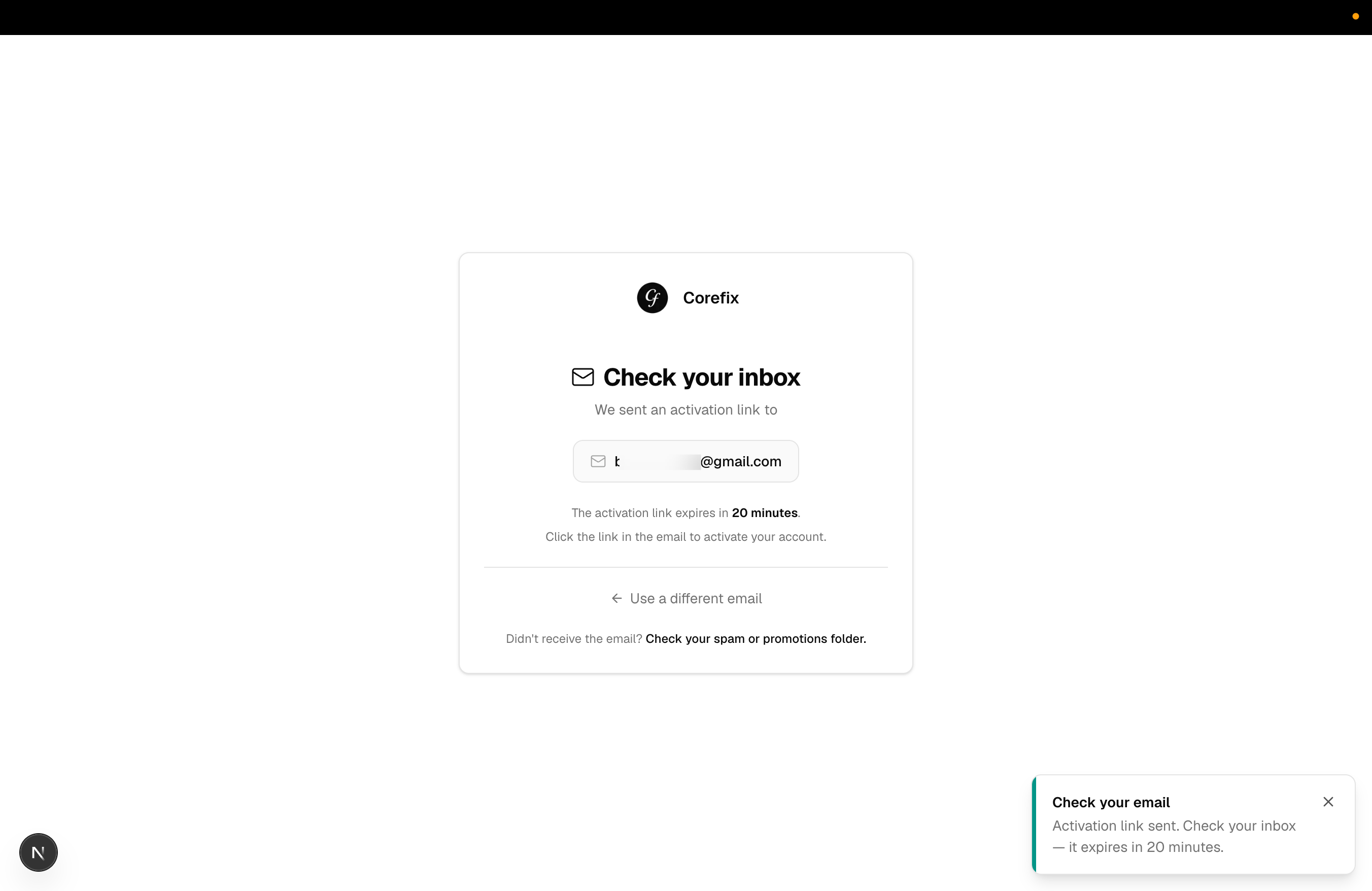
- Click the link to verify your address — you will be taken into the CoreFix dashboard.
Note: If you try to log in with a custom email that has not been signed up, login will not work. You must complete signup first.
Logging In After Signup (Custom Email)
- Go to app.corefix.dev/login.
- Enter your email address.
- A one-time password (OTP) will be sent to your email.
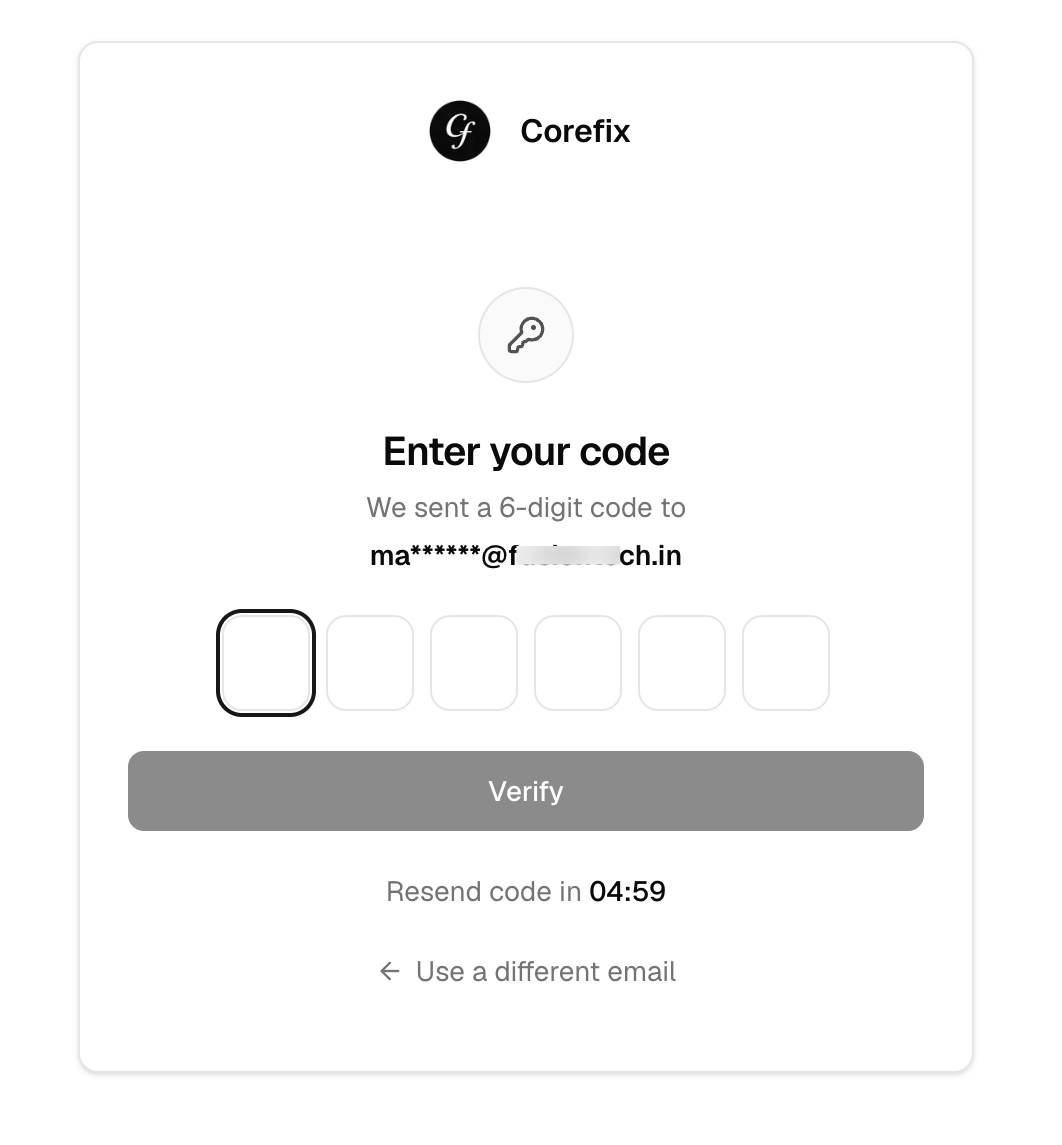
- Enter the OTP to access your account.
No password is required — CoreFix uses magic OTP login for custom email accounts.
Note: GitHub and Google OAuth users will not receive a magic link or OTP. Authentication is handled entirely through the respective OAuth provider.